Build Production-Ready MCP Servers
Understand why MCP exists, how its primitives fit together, and how to build and deploy a FastMCP server your team can use remotely.

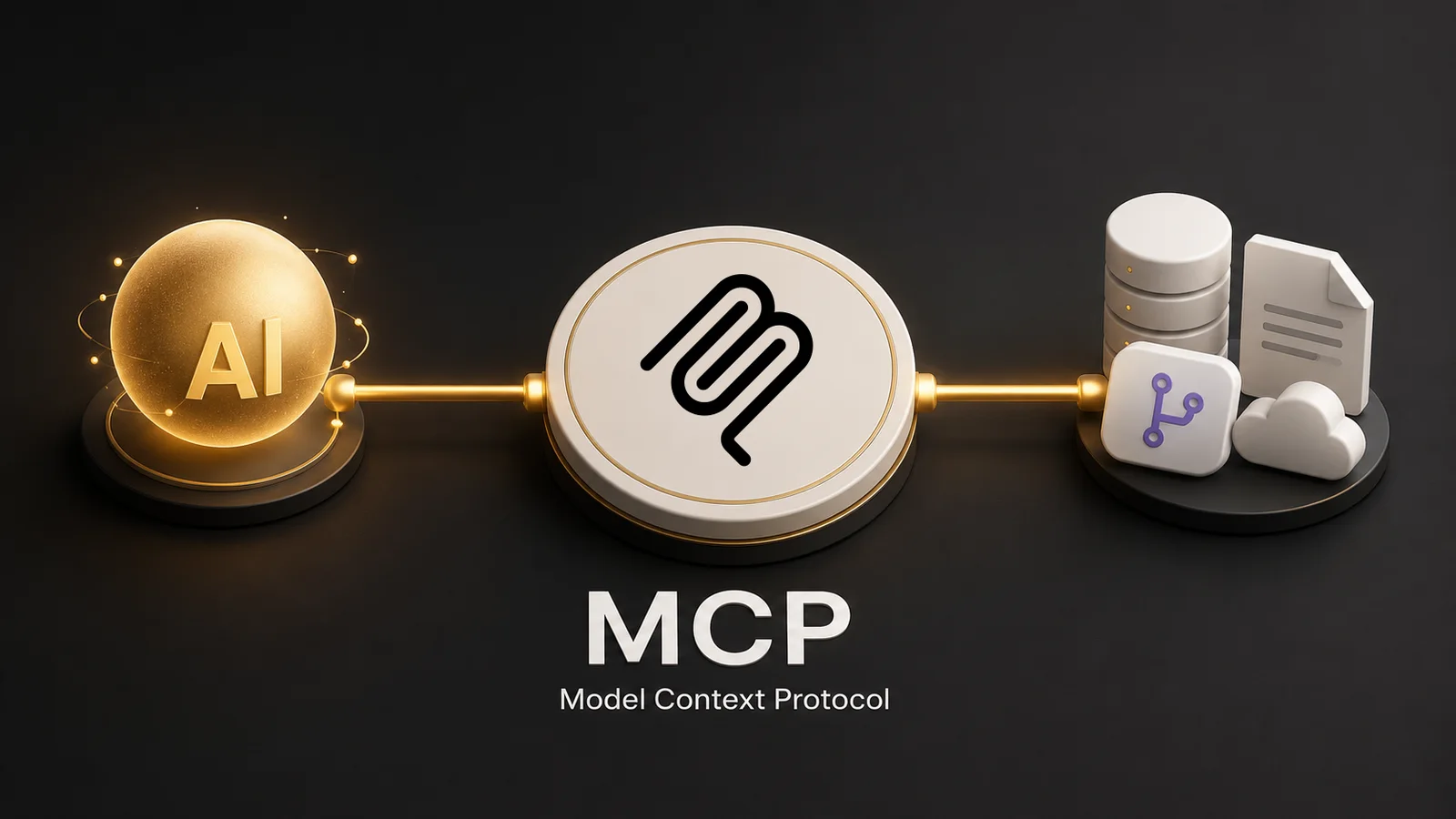
Your model is smart. It's also blind. Ask it about your company's open support tickets, your Git history, or last week's invoices and you get the same shrug: "I don't have access to that system." So every team builds its own one-off glue to close the gap — custom data access, custom tool schemas, custom auth — and rebuilds it again for the next AI app. That's the mess MCP kills.
This is a free, hands-on course. The first lesson is open — sign in and join the free community to unlock the rest.
What MCP actually is#
MCP — the Model Context Protocol — is the standard way to hand an AI application the context and actions it needs. Think USB-C for AI apps: one connector shape, many devices. A client speaks MCP; a server exposes one system — your database, your docs, your Git repo — behind that same protocol. Build the port once, and every MCP-capable client can plug in.
Why it matters#
Reuse. Build one support-data server and Claude Desktop, your internal agent, and next quarter's workflow tool all use it — no rewrite. MCP is an open standard backed by the major AI vendors, so this isn't a bet on one framework. It's where the integration layer is going.
The catch: a server is a real boundary. Get the tool design wrong and you hand the model a footgun. This course is about getting it right.
What you'll build#
Not slides. A working server. You'll build an MCP server for "Acme" — a fictional SaaS company whose support team is drowning in tickets — using FastMCP, the leading Python framework that strips out the protocol boilerplate. You'll expose real tools (query the ticket database, not "write me some SQL"), wire up resources and prompts, and watch an assistant actually resolve a support workflow. Every lesson ends with something that runs.
Ship it to production#
A server on your laptop helps nobody. In the last lesson you'll package it as a Docker container and deploy it to Google Cloud Run, so the whole team connects to one remote MCP server instead of each cloning and running it locally. That's the difference between a demo and something your coworkers depend on.